
apt and dnf
Add the repository and sudo apt install kubedrive or sudo dnf install kubedrive; it pulls in GTK 4 and WebKitGTK 6.0.
Packages for Debian 13, Ubuntu 24.04 and Fedora 40 or newer, from KubeDrive's signed repository, so your system's updates bring new versions too.
brew install --cask aleksskoz/tap/kubedrivemacOS 13 or later · Apple silicon and Intel · signed and notarized by Apple
Windows 10 1809 or later, Windows 11 · not code-signed yet: More info → Run anyway
sudo apt install ./kubedrive_0.6.7_amd64.debDebian 13, Ubuntu 24.04, Fedora 40 and newer · GTK 4 and WebKitGTK 6.0 come as dependencies
Free forever for two clusters · Pro free for 14 days, no card
Add the repository and sudo apt install kubedrive or sudo dnf install kubedrive; it pulls in GTK 4 and WebKitGTK 6.0.
The repository and the RPMs are signed with KubeDrive's key; the release notes carry each package's SHA-256.
Through the Secret Service: GNOME Keyring or KWallet.
KubeDrive uses your kubeconfig and your SSO sessions, with the RBAC you already have; cluster data never reaches our servers.
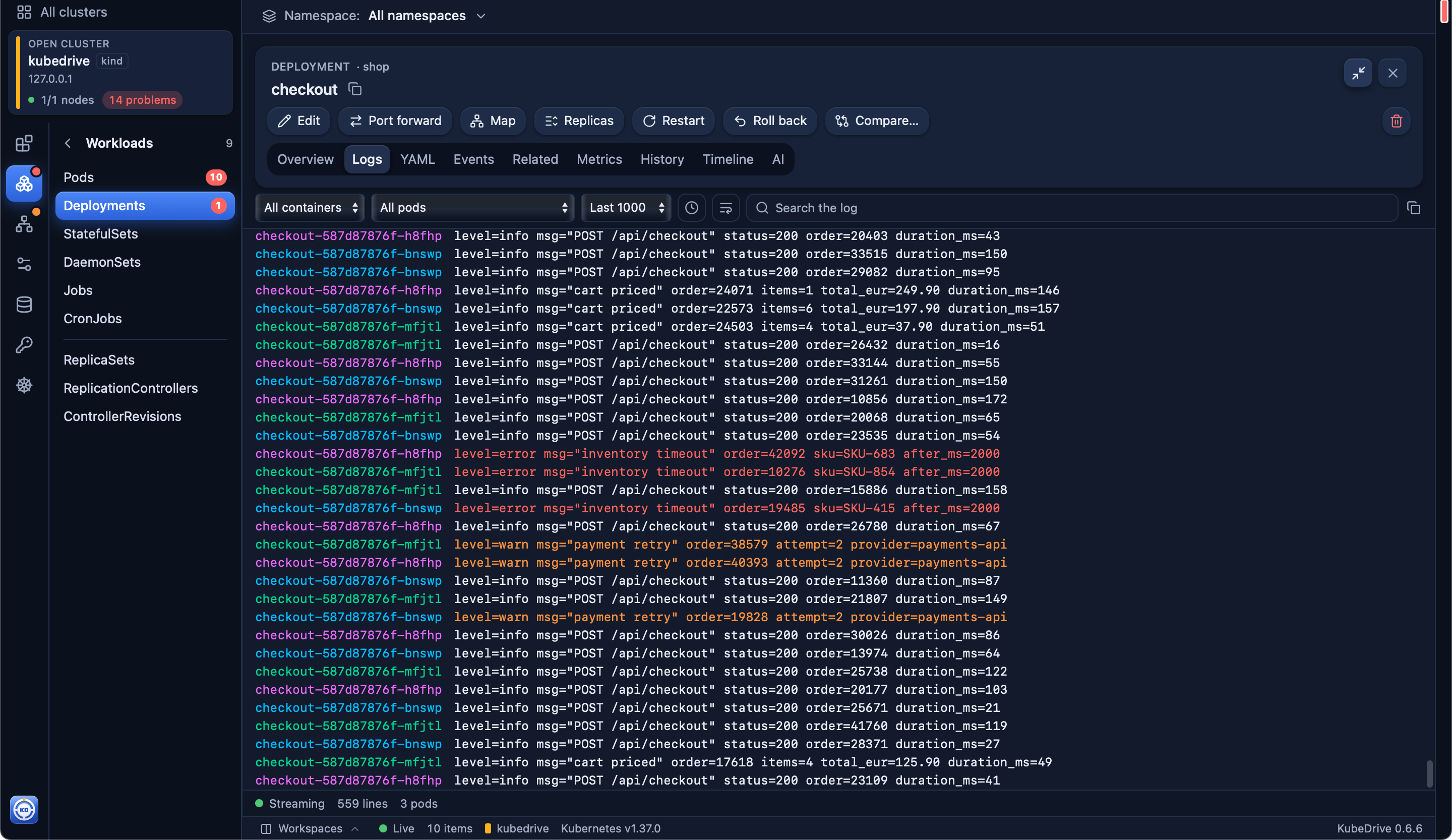
Logs, terminal, YAML with a dry-run diff, Helm, port forwards, the upgrade check and the AI assistant.
~/.config/KubeDrive. It reads ~/.kube/config or $KUBECONFIG, like kubectl, and never writes to it.Free for two clusters of any size. No account, no card: open KubeDrive and pick a context.
brew install --cask aleksskoz/tap/kubedrivemacOS 13 or later · Apple silicon and Intel · signed and notarized by Apple
Windows 10 1809 or later, Windows 11 · not code-signed yet: More info → Run anyway
sudo apt install ./kubedrive_0.6.7_amd64.debDebian 13, Ubuntu 24.04, Fedora 40 and newer · GTK 4 and WebKitGTK 6.0 come as dependencies