
Every release at a glance
Chart, app version, status and NOTES; Values (set or all), the rendered Manifest, History, and Resources linked to each object.
KubeDrive reads the releases Helm keeps in your cluster and writes revisions the helm CLI understands. No Tiller, no plugin, nothing to install.
brew install --cask aleksskoz/tap/kubedrivemacOS 13 or later · Apple silicon and Intel · signed and notarized by Apple
Windows 10 1809 or later, Windows 11 · not code-signed yet: More info → Run anyway
sudo apt install ./kubedrive_0.6.7_amd64.debDebian 13, Ubuntu 24.04, Fedora 40 and newer · GTK 4 and WebKitGTK 6.0 come as dependencies
Free forever for two clusters · Pro free for 14 days, no card
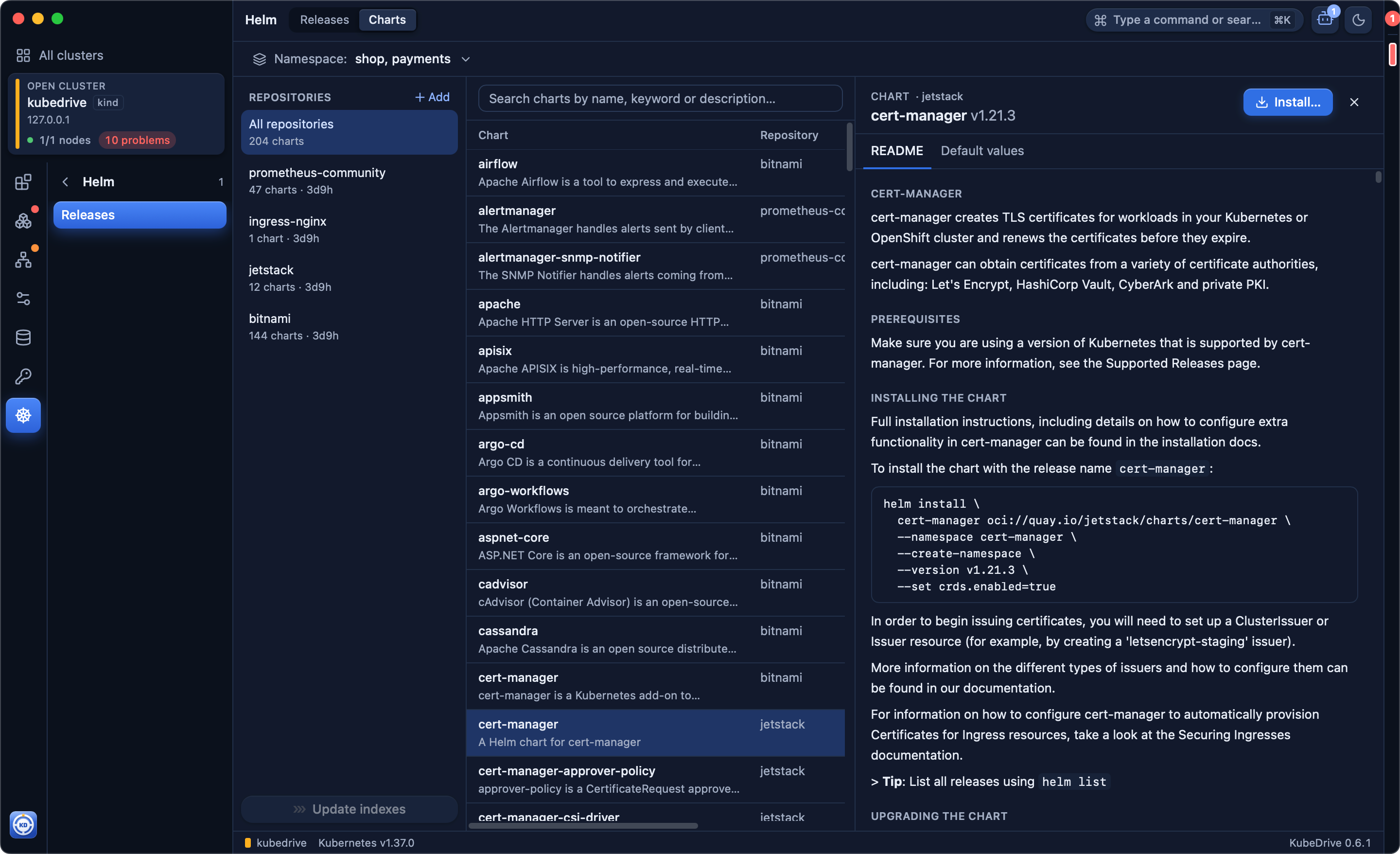
Chart, app version, status and NOTES; Values (set or all), the rendered Manifest, History, and Resources linked to each object.
Pick a revision; Helm writes it as a new one, exactly like helm rollback.
Dry-run render against the cluster and a manifest diff before anything is written.
HTTP repositories, OCI registries, or a folder on your computer.
The upgrade check finds releases whose stored manifest uses removed APIs and maps them, like helm mapkubeapis, reversibly.
Free for two clusters of any size. No account, no card: open KubeDrive and pick a context.
brew install --cask aleksskoz/tap/kubedrivemacOS 13 or later · Apple silicon and Intel · signed and notarized by Apple
Windows 10 1809 or later, Windows 11 · not code-signed yet: More info → Run anyway
sudo apt install ./kubedrive_0.6.7_amd64.debDebian 13, Ubuntu 24.04, Fedora 40 and newer · GTK 4 and WebKitGTK 6.0 come as dependencies