Native, not a browser in a box
428 MB of memory with all 50,000 pods open, the whole process tree. Only the rows on screen exist, so scrolling stays smooth.
One universal app for Apple silicon and Intel, signed and notarized by Apple. It reads your kubeconfig and opens 50,000 pods on 470 nodes in 3.0 s.
brew install --cask aleksskoz/tap/kubedrivemacOS 13 or later · Apple silicon and Intel · signed and notarized by Apple
Windows 10 1809 or later, Windows 11 · not code-signed yet: More info → Run anyway
sudo apt install ./kubedrive_0.6.7_amd64.debDebian 13, Ubuntu 24.04, Fedora 40 and newer · GTK 4 and WebKitGTK 6.0 come as dependencies
Free forever for two clusters · Pro free for 14 days, no card
428 MB of memory with all 50,000 pods open, the whole process tree. Only the rows on screen exist, so scrolling stays smooth.
brew install --cask aleksskoz/tap/kubedrive, or the DMG. KubeDrive updates itself.
⌘K for clusters, namespaces and resources; G then P jumps to Pods.
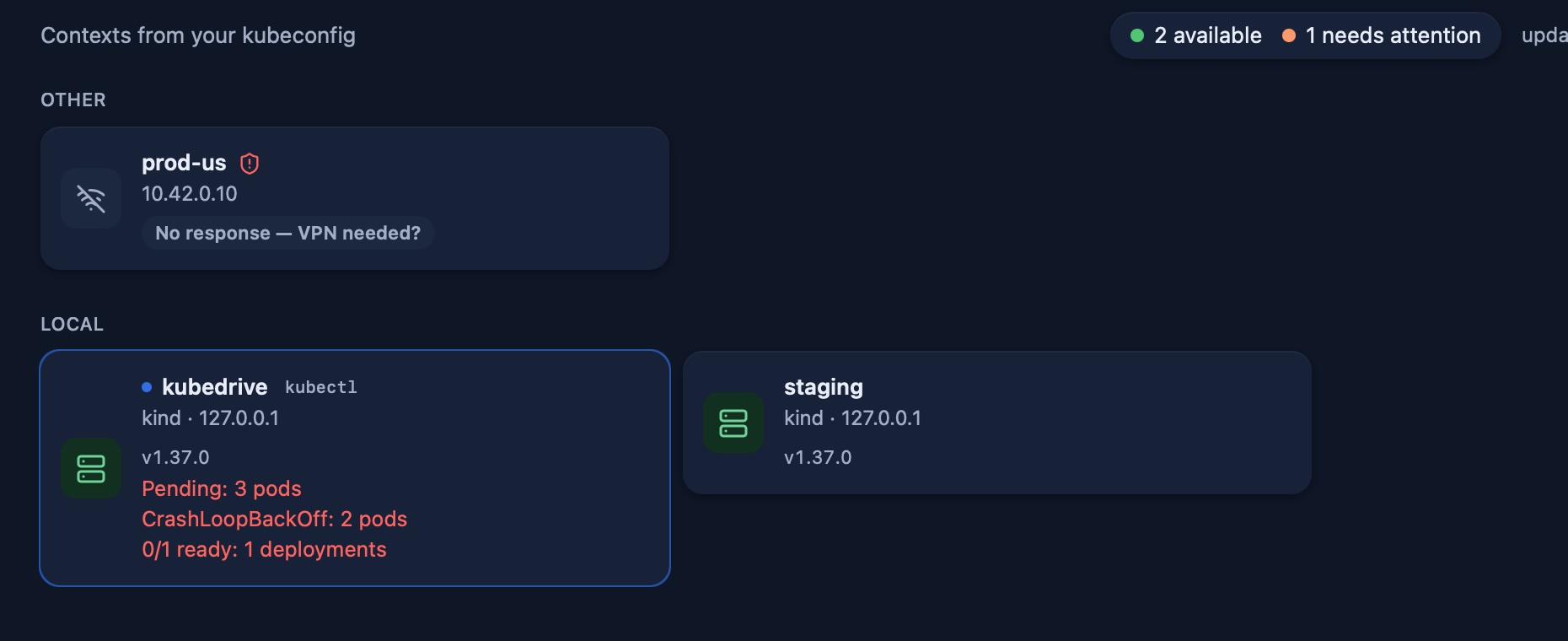
KubeDrive uses your kubeconfig and your SSO sessions, with the RBAC you already have; cluster data never reaches our servers.
Contexts named prod, production or live are protected from the first launch: a red frame, and you type the name to change anything.
kubectl get pods -A takes 27 s on the same cluster where KubeDrive lists all 50,000 pods in 10.4 s.Free for two clusters of any size. No account, no card: open KubeDrive and pick a context.
brew install --cask aleksskoz/tap/kubedrivemacOS 13 or later · Apple silicon and Intel · signed and notarized by Apple
Windows 10 1809 or later, Windows 11 · not code-signed yet: More info → Run anyway
sudo apt install ./kubedrive_0.6.7_amd64.debDebian 13, Ubuntu 24.04, Fedora 40 and newer · GTK 4 and WebKitGTK 6.0 come as dependencies