
Install in a minute
KubeDrive-<version>-x64-setup.exe from the releases page, -arm64- for Arm. It adds WebView2 if the PC has none; Windows 11 has it.
An installer for x64 and Arm PCs, such as Snapdragon laptops. It reads %USERPROFILE%\.kube\config or $KUBECONFIG, like kubectl, and keeps tokens in Windows Credential Manager.
brew install --cask aleksskoz/tap/kubedrivemacOS 13 or later · Apple silicon and Intel · signed and notarized by Apple
Windows 10 1809 or later, Windows 11 · not code-signed yet: More info → Run anyway
sudo apt install ./kubedrive_0.6.7_amd64.debDebian 13, Ubuntu 24.04, Fedora 40 and newer · GTK 4 and WebKitGTK 6.0 come as dependencies
Free forever for two clusters · Pro free for 14 days, no card
KubeDrive-<version>-x64-setup.exe from the releases page, -arm64- for Arm. It adds WebView2 if the PC has none; Windows 11 has it.
KubeDrive reads kubeconfig and never writes to it; the names you give clusters stay in its own settings.
KubeDrive uses your kubeconfig and your SSO sessions, with the RBAC you already have; cluster data never reaches our servers.
Contexts named prod, production or live are protected from the first launch: a red frame, and you type the name to change anything.
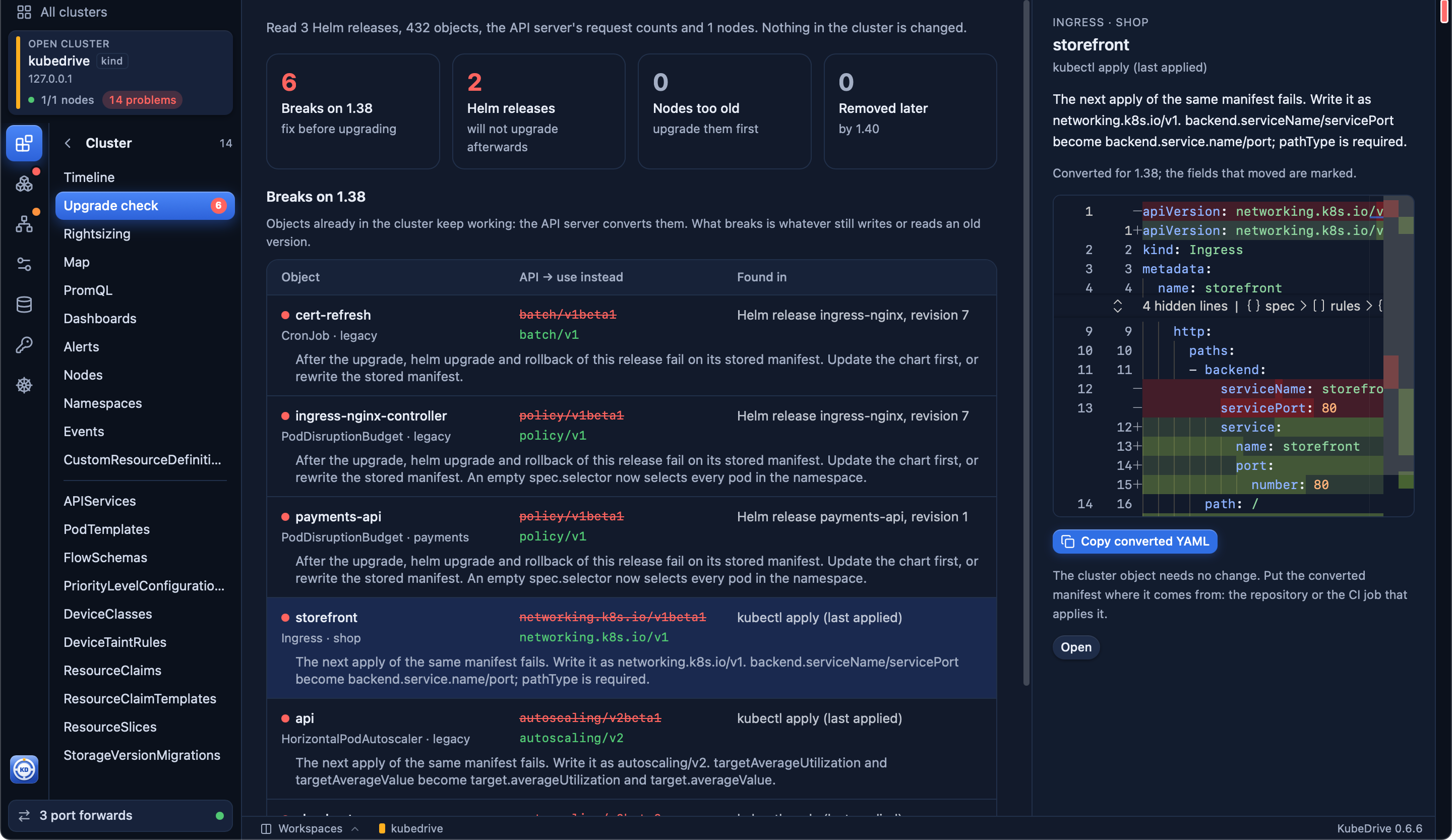
Logs, terminal, YAML with a dry-run diff, Helm, port forwards, the upgrade check and the AI assistant.
-arm64- installer.Free for two clusters of any size. No account, no card: open KubeDrive and pick a context.
brew install --cask aleksskoz/tap/kubedrivemacOS 13 or later · Apple silicon and Intel · signed and notarized by Apple
Windows 10 1809 or later, Windows 11 · not code-signed yet: More info → Run anyway
sudo apt install ./kubedrive_0.6.7_amd64.debDebian 13, Ubuntu 24.04, Fedora 40 and newer · GTK 4 and WebKitGTK 6.0 come as dependencies